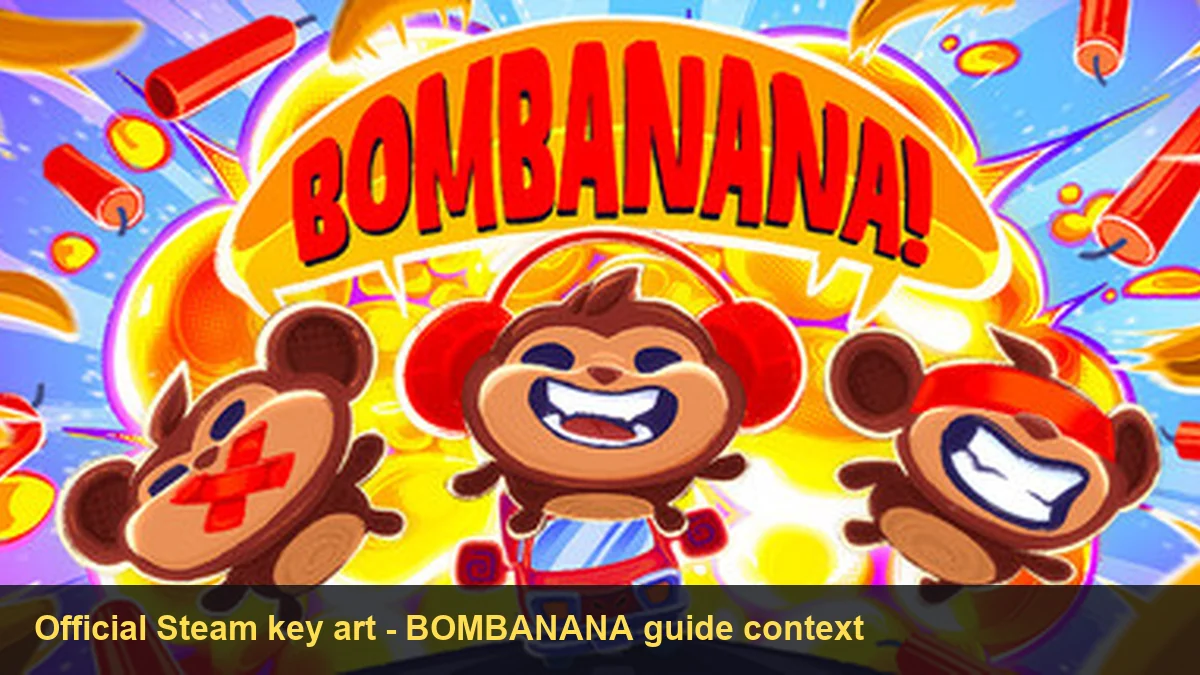
BOMBANANA PS5 Quick Answer: Separate Four Different Questions
Searches for bombanana ps5 combine several questions that need different evidence. A player may be asking whether BOMBANANA has a PS5 console version, whether a PC player can crossplay with a PS5 player, whether a DualSense controller works on the Steam version, or whether a PS5 download file exists. Those are not interchangeable claims.
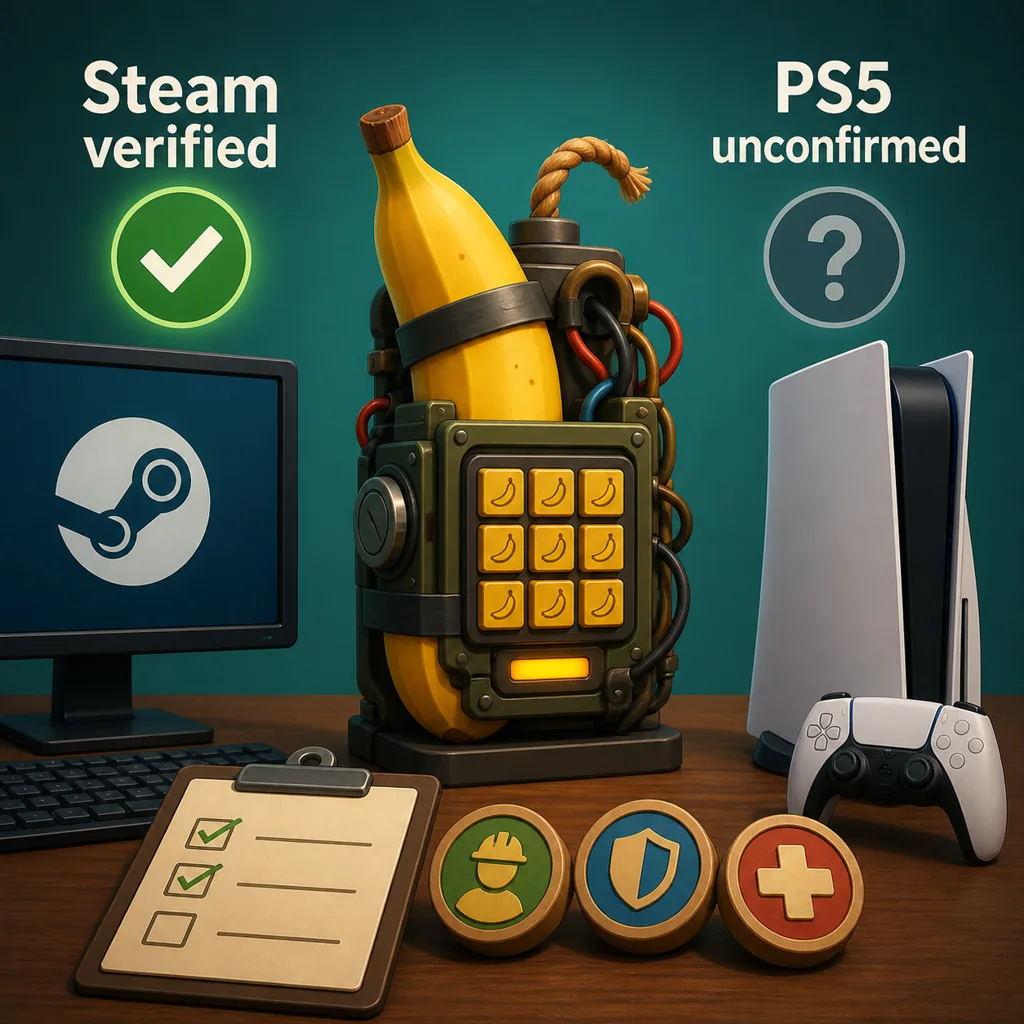
The current source boundary is simple: this guide can point to the official BOMBANANA and BOMBANANA Demo Steam listings, but it does not have a verified PlayStation Store listing or a developer statement that confirms PC-to-PS5 crossplay. That makes PS5 console availability and crossplay unconfirmed for this page. It is more accurate to say “check the official source again” than to turn a related keyword into a made-up platform announcement.
| Question | What can be checked | Current page answer |
|---|---|---|
| Is there a PS5 console version? | An official PlayStation Store page or developer announcement. | Not verified in the sources checked for this guide. |
| Can PC and PS5 crossplay? | Both platform listings plus an explicit crossplay statement. | Not confirmed; do not promise it. |
| Can I use a DualSense controller on PC? | The current Steam input/controller details and a real demo test. | Separate from console availability; test the current build. |
| Where is the official download? | A stable first-party store or release page. | Use Steam; this site does not host a PS5 file. |
PS5 Console, Steam PC, Mac, and Steam Deck Are Different Entries
The word “platform” is doing too much work in many short search results. The Steam listing is a PC storefront entry. A Mac demo requirement, a Steam Deck compatibility question, a DualSense controller connected to Windows, and a PS5 console version each describe a different layer of the product. The existing BOMBANANA system requirements guide handles PC, Mac, low-end laptops, and Steam Deck planning; it should not be read as a PS5 announcement.
For a new platform claim, use an evidence ladder. First look for an official store listing that names the product and platform. Next look for a developer announcement that names the same platform. Then check whether the statement covers release availability, controller input, or crossplay. A screenshot from a video, a search snippet, a generic “PS5 games” page, or a community guess may help someone find a question, but it does not establish a release date or a download route.
This distinction matters because bombanana download ps5 is a tempting phrase. A page can rank for the phrase without a real PS5 installer existing. The safe response is to send the player to the official BOMBANANA Steam page and explain what has not been verified. Do not replace a missing first-party page with an APK, repack, cloud mirror, or guessed CDN path.
Is BOMBANANA Crossplay Between PC and PS5?
The phrase is bombanana crossplay pc with ps5 has a much narrower intent than a general gameplay guide. The answer requires two facts at the same time: an official version on PS5 and an explicit statement that PC and PS5 players can share a session. If either fact is missing, crossplay is not verified.
For this page, no official PC-to-PS5 crossplay statement was confirmed in the checked sources. That does not prove that the feature can never exist; it means the claim is time-sensitive and should be rechecked against the developer or store source before a group plans around it. The existing play-with-friends guide can help with the known co-op setup, but it does not turn an unverified console into a supported platform.
| Search wording | What the player may mean | Best handling |
|---|---|---|
| Bombanana PS5 | Console availability. | Check for an official PS5 listing; keep the answer dated. |
| Bombanana crossplay | Shared multiplayer between named platforms. | Require an explicit developer or store statement. |
| Bombanana co-op three player | Team size and role setup. | Use the co-op and signal guides, not a console assumption. |
| Bombanana DualSense controller | Input hardware on a PC. | Test the Steam build separately from platform availability. |
Can You Use a PS5 Controller with BOMBANANA on PC?
A DualSense controller is an input device; PS5 is a console platform. A game may accept a controller on Windows without being released for PS5, and a console release may still require its own store listing and platform support. This is why the controller question belongs on this page but must not be used as proof of console availability.
The official Demo Steam page fetched for this review exposed controller-support fields that were not marked as full or partial DualSense controller support at that time. Treat that as a current source detail to recheck, not as a permanent promise about every build or every Windows input path. If you are testing the demo, keep the test small: confirm that the game sees the device, check whether prompts match the physical buttons, and run one private co-op practice before inviting a full team.
- Confirm the product first. Open the official BOMBANANA Steam page and check the name, developer, and App ID before troubleshooting input.
- Separate device from platform. Record whether you are using Windows, Mac, Steam Deck, or an actual PS5 console. The same controller name can appear in different environments.
- Test one short interaction. Check menu navigation and one harmless module action before assuming every input is mapped.
- Do not turn a failed controller test into a download search. Use the official listing and current game settings; avoid mirror files or “fixer” downloads.
For price and release-window changes, use the BOMBANANA price and release guide. For the safe PC install route, use the PC download guide. Those pages keep their own intent instead of making this platform page a second download hub.
How to Verify BOMBANANA PS5 Information After an Update
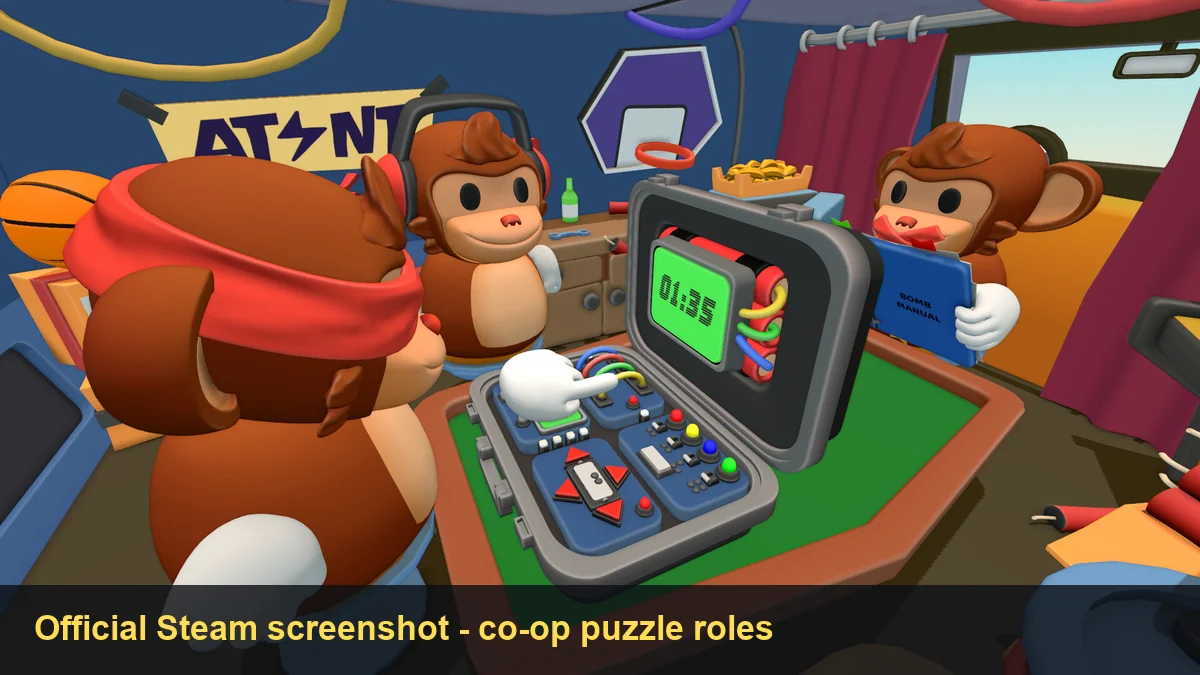
Platform facts can change independently from the game’s manual, modules, price, or release window. Recheck the source rather than relying on an old headline. A useful verification pass has four steps:
- Open the first-party listing. Confirm the product name, developer, store identity, and platform label. The official BOMBANANA Steam page and main-game pages are the current source links used by this site.
- Look for a separate console source. A PlayStation Store page or a developer announcement should name the PS5 version directly. A controller icon or a third-party list is not enough.
- Read crossplay language literally. “Online co-op,” “controller support,” and “cross-platform multiplayer” answer different questions. Do not merge them into one sentence.
- Record the check date. If the platform page changes, update the answer, CTA labels, schema, FAQ, and image captions together. If no source exists, keep the answer as unconfirmed.
This page intentionally uses a narrow claim. It does not announce a future PS5 release, publish a guessed date, or provide a direct file. That restraint is useful for players because a wrong platform claim can send them to an unrelated store, unsafe mirror, or incompatible controller setup.
BOMBANANA PS5 FAQ
Is BOMBANANA on PS5?
This guide could verify official Steam listings, but not an official PS5 console listing. Treat PS5 console availability as unconfirmed until the developer or an official PlayStation Store page says otherwise.
Can PC and PS5 players crossplay in BOMBANANA?
No official PC-to-PS5 crossplay statement was verified in the checked sources. Do not plan a mixed-platform team around it without a current first-party confirmation.
Can I use a DualSense controller with BOMBANANA on PC?
A DualSense controller is a separate input question. The Demo Steam page exposed controller-support fields that were not marked as full or partial DualSense controller support during this check, so test the current demo and do not treat the flag as a console guarantee.
Is there an official BOMBANANA PS5 download?
No stable official PS5 download file was verified. Use the official BOMBANANA Steam page and avoid APKs, repacks, mirror installers, and guessed file URLs.
Does Steam Deck mean BOMBANANA is on PS5?
No. Steam Deck is a PC handheld compatibility question, while PS5 is a separate console platform. Check the system requirements guide and the store source independently.
How often should I check BOMBANANA PS5 information?
Recheck official listings and developer announcements when the demo or full game changes. Platform, controller, and crossplay details can be updated at different times.
Sources and Scope
This guide was checked on August 19, 2026. It uses the official BOMBANANA Steam page and current main-game record for product identity and source routing. The demo page was reachable during the check; the main-game page was intermittently unreachable from the verification environment, so this article does not invent PS5 support, crossplay, a version number, a file size, or a direct download URL.