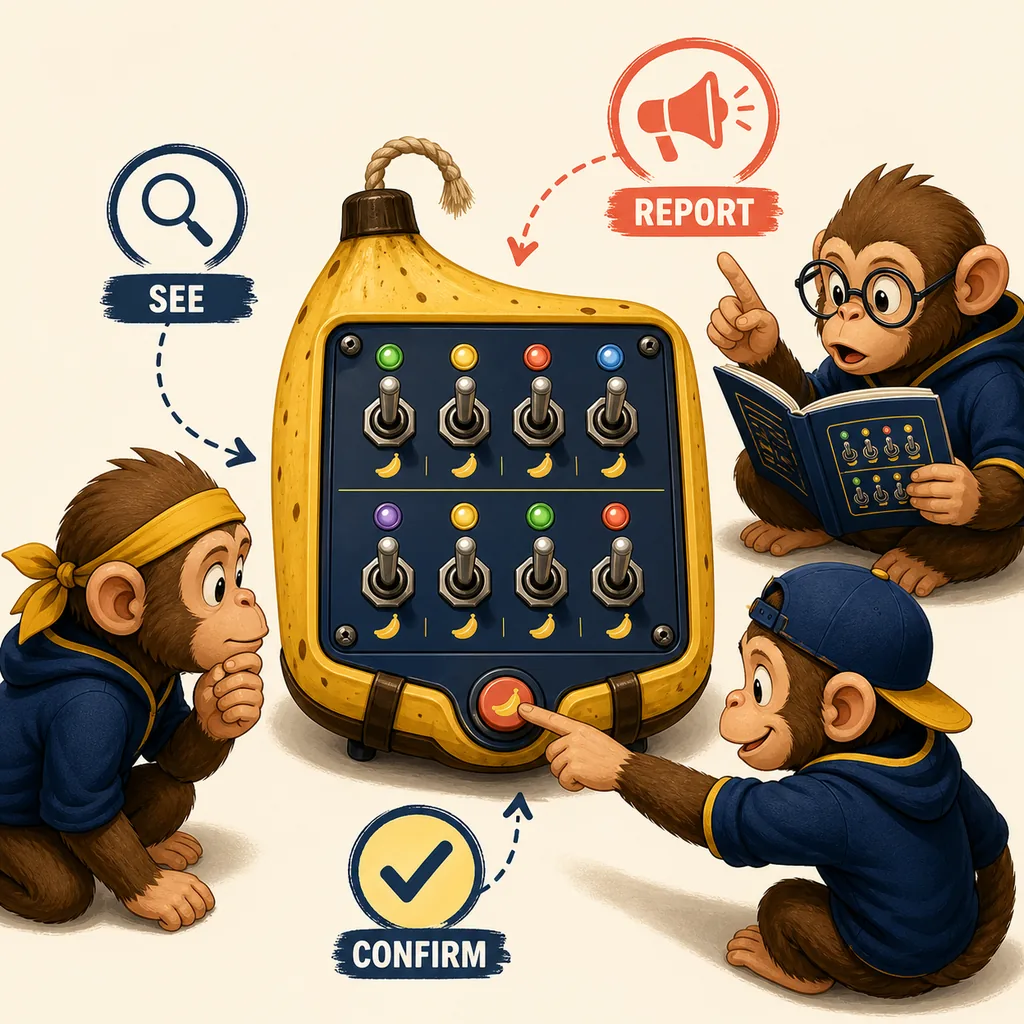
Quick Answer: Read the State Before You Touch a Switch
The reliable BOMBANANA switch module method is to describe the current state first and act second. The player who can interact with the bomb should not silently flip a toggle while another player is still reading. Instead, the handler reports the panel name, the number of switches, the left-to-right order, and each switch's current up or down state. The manual player matches that complete state to the current rule branch, and the communication bridge repeats one final instruction in a short sentence.
This matters because “switch module” can mean several things in a fast voice call. One person may say “the left switch is up” while thinking about the player's view. Another may mean the panel's own left side. A third player may hear only “left” and press before the complete sequence is checked. The module is not difficult because a toggle is complicated; it is difficult because incomplete information changes meaning as it moves through three restricted roles.
The public Steam pages confirm the BOMBANANA product and its three-player co-op premise. The former Demo listing was a pre-release route, but it was removed from Steam on August 20, 2026. The pages do not publish a permanent switch answer table for every build. This page therefore teaches a repeatable reading and confirmation process. It should help with a current panel without pretending that a screenshot from one session is an official solution for every future run.
What the BOMBANANA Switch Panel Actually Contains
Searchers use switch module, switch panel, and sometimes switches module for the same narrow problem. The visible panel is the object in front of the handler. The module is the combination of that object, its current states, the manual rule, and the action that changes it. Keeping those terms together makes it easier to search, speak, and link without splitting one intent into several thin pages.
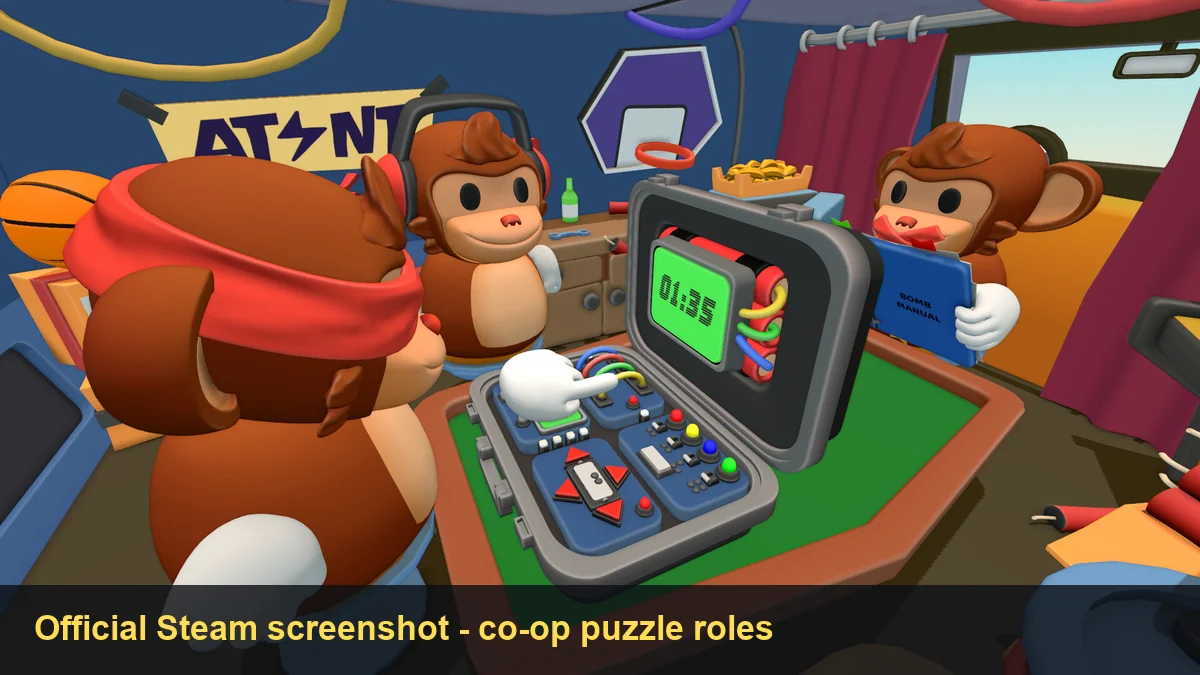
For a useful first report, separate four kinds of information:
| Information | What the handler should report | Why the manual player needs it |
|---|---|---|
| Panel identity | “Switch panel,” plus its location if more than one module is visible. | Prevents the manual player from applying a rule to the wrong object. |
| Order | Top row left to right, then bottom row left to right, or another agreed sequence. | Turns a visual arrangement into a reproducible list. |
| State | Each toggle is up or down, with lights or symbols reported separately. | The same switch positions can lead to different branches when another clue changes. |
| Action state | Whether the confirm control is available, disabled, lit, or already pressed. | Stops the team from confirming a partial sequence too early. |
Do not turn decorative colors or the banana-shaped casing into a rule unless the current manual explicitly uses them. Visual memory is useful for finding the module, but the rule input should come from the state the team can verify in the current build.
How to Read the Switch Module Manual in 5 Steps
The five steps below are deliberately version-resistant. They do not claim that every build uses the same number of toggles, light colors, or confirmation states. They give your team a stable order for collecting evidence and passing one instruction through the role chain.
- Identify the panel. The handler says “switch panel” and points out its position. If another module is nearby, name both locations before describing any state.
- Choose the reading order. Use a simple order such as top row left to right, then bottom row left to right. Say the order out loud once. Do not alternate between the handler's perspective and the panel's perspective.
- Record every state. Report up or down for each toggle, then mention a light, symbol, number, or confirmation control only after the switch list is complete. A report such as “up, down, up, down” is useful only when everyone knows which switch comes first.
- Match the manual branch. The manual player repeats the panel name and the complete state before choosing a branch. If one detail is missing, ask for that detail instead of guessing from the previous bomb.
- Repeat, confirm, then input. The bridge says one final action, the handler repeats it, and the manual player confirms that the wording still matches the current state. Only then should the handler flip, wait, or press the confirm control.
Suppose a current build shows a two-row panel. A useful report might be: “Switch panel, top row left to right: up, down, up, up; bottom row: down, down, up, down; panel perspective.” That example demonstrates the reporting format only. It is not a permanent answer, and it should never replace the manual branch visible in your run.
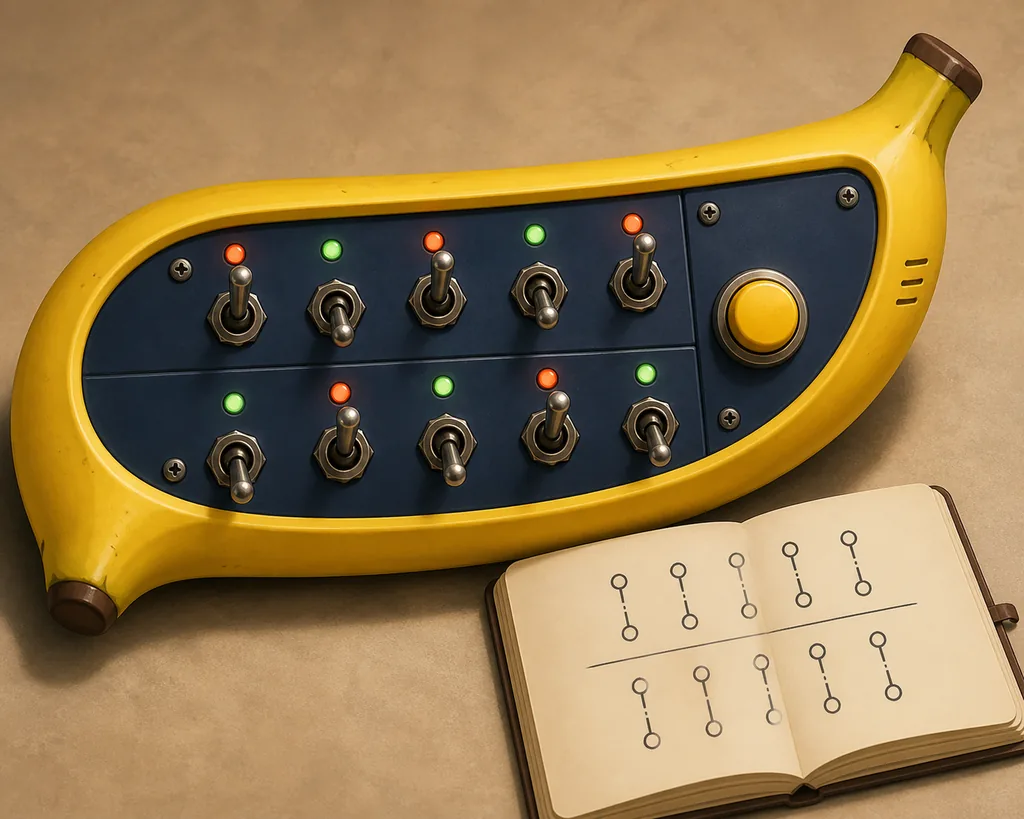
Callout Examples That Remove Left and Right Ambiguity
A good callout is short because the team needs an action, not a transcript of every thought. It is also specific enough that another player can repeat it without translating the sentence again. Use the panel's own perspective as the default, and state that choice when the sequence begins.
| Situation | Weak callout | Better callout |
|---|---|---|
| Perspective is unclear | “Flip the left one.” | “Panel perspective, top row, first switch: up. Leave it; read the next state.” |
| State changed after a mistake | “Continue from the old answer.” | “Freeze. The panel changed. Report the full sequence again.” |
| Manual branch is incomplete | “Probably press confirm.” | “Missing the bottom-right state. Report it before we choose the branch.” |
| Final action is ready | “Do it.” | “Repeat: keep one up, flip two down, then wait for my confirm.” |
Notice that the better examples distinguish observation from instruction. The handler owns the visible state. The manual player owns the rule interpretation. The bridge owns the shared wording. When those jobs collapse into one vague sentence, a team can be logically correct and still press the wrong control.
For a complete first-run role setup, use the site's BOMBANANA manual guide. For the larger scan, describe, translate, confirm, act order, continue to the BOMBANANA walkthrough.
Common Switch Module Mistakes and Recovery
The most dangerous mistake is not a wrong toggle. It is continuing after the panel has changed. A failed input may alter a light, move a switch, reset a branch, or consume time. Once the visible state is different, the old answer no longer has the same evidence behind it.
- Mixed perspectives: decide whether “left” means the panel's left or the player's left. Put the perspective in the first callout and repeat it when the panel has multiple rows.
- Partial reports: do not let the manual player choose from only the first two switches when the rule expects the full sequence. Ask for the missing state.
- Premature confirmation: confirmation is a communication checkpoint, not an extra button to press. The handler should wait until the bridge has repeated the complete action.
- Memory carryover: a previous bomb, video, or community post may show a different configuration. Re-scan the current panel instead of copying an old order.
- Level-specific overclaim: a search for “BOMBANANA level 5 switches” does not prove that one permanent answer applies to every build. Record the current state and use the current manual.
If the team loses the thread, reset the conversation with four words: “name, order, state, wait.” The handler names the panel, gives the order, reports the state, and waits for the manual branch. That is usually faster than arguing about which earlier instruction was correct.
Where This Page Stops: Manual, Calculator, and Level Intent
This page targets the narrow switch-module problem. It should not replace the broader manual guide, which explains the three-role callout system and other module categories. It also should not duplicate the calculator module guide, which covers numeric panels and why an invented online solver would be unsafe. If your question is how many missions or levels the demo contains, use the levels guide instead.
Players looking for the first install should use the official BOMBANANA Demo guide and the site's system requirements guide. This fan site does not host an APK, EXE, ZIP, or manual PDF. The verified playable CTA is the official BOMBANANA official Steam page; no stable first-party direct file URL or public semantic version was verified for this article.
That separation is useful for readers and for search engines: a switch panel query gets an operational answer, while manual, calculator, levels, demo, and download questions keep their stronger existing targets. Related terms can support the new page without forcing every variation into another URL.
Switch Module Checklist
Before you touch the panel, name it. Choose a fixed reading order. Record every up/down state. State the perspective. Let the manual player match the current branch. Repeat one final action and wait for confirmation. If anything changes, freeze and restart the report. This is the practical answer to the BOMBANANA switch module search: make the state unambiguous before the team acts.
The official Steam pages are the source for product identity and Demo access. The workflow, examples, and conceptual illustrations on this page are fan-made guidance and should be rechecked against the build you are playing.
BOMBANANA Switch Module FAQ
How do I read the BOMBANANA switch module manual?
Name the panel, record every switch state in a fixed order, agree on the panel perspective, find the matching manual branch, repeat the final action, and wait for confirmation before pressing. If a state is missing, ask for it instead of guessing.
Is there a permanent BOMBANANA switch module answer?
No permanent public answer table is verified for every build. The safe approach is to read the current panel and match it to the current in-game manual. A screenshot, video, or level-specific post may describe one configuration rather than every run.
What is the difference between a switch panel and switch module?
The panel is the visible object. The module is the object plus its current states, manual rule, and required action. Searchers use both phrases for the same narrow module-help intent, so this page keeps them together.
Can this guide solve the BOMBANANA level 5 switches?
It gives a version-resistant reporting and confirmation process, not an invented level 5 answer. Record the panel in your current build and use the matching manual branch. Do not assume an old video or community post applies after a change.
How do I avoid left and right mistakes?
Choose one perspective before the run, such as the panel's own left-to-right order. Say that perspective in every important callout, then repeat the complete sequence before the handler inputs it.
Where can I play the BOMBANANA Demo?
The former BOMBANANA! Demo used App ID 4747510; its Steam listing was removed on August 20, 2026. Use the main BOMBANANA Steam page for current availability. This site does not host installers, APKs, repacks, or guessed direct files.
Sources and Scope
Official product facts were checked on 14 August 2026. Steam identifies the main BOMBANANA! listing as App ID 4656000. The former Demo used App ID 4747510, but its listing was removed from Steam on August 20, 2026. Similarweb phrase-match, related-keyword, and question-keyword data informed the page boundary; third-party guide results were treated as SERP context, not as official module rules.